Interject: stage first, then decide
Messages sent during execution won't silently enter the context. They pause in "Pending interjections"; then chooseInterject nowto interrupt the current turn, orQueueto wait for the current turn to finish.
Connect to your running DSH. Not another Agent, not simulated data — your phone becomes another entry point to the same session.
MobileVC runs as a DSH Host plugin. All reads and writes go through the samesessionController, with no second relay, no duplicated state machine, and no mock.
// Browser → MobileVC → DSH
POST /mobilevc/api/prompt
{ sessionId, text, mode: "queue" | "steer" }
GET /mobilevc/api/follow?session=…
event: durable / snapshot / assistant-stream
// Approval
approval/asked → phone → approval/decided
Not a shrunken desktop page—DSH's high-frequency actions rearranged for a 6-inch screen.
Messages sent during execution won't silently enter the context. They pause in "Pending interjections"; then chooseInterject nowto interrupt the current turn, orQueueto wait for the current turn to finish.
Session list, history, live stream, and durable fallback. Automatically recovers after disconnection—no refresh needed.
Allow once, deny, or view tool parameters. Mobile presence handles approvals first—no switching back and forth to desktop.
Long commands run in the background. Check status, output, and duration in the task panel, and stop them anytime.
Compact mode by default: grouped thinking, localized toolchain, English source collapsed; switch to full when needed.
Web Push notifies you when tasks complete, fail, or await approval. On iPhone, requires iOS 16.4+ and MobileVC added to the Home Screen.

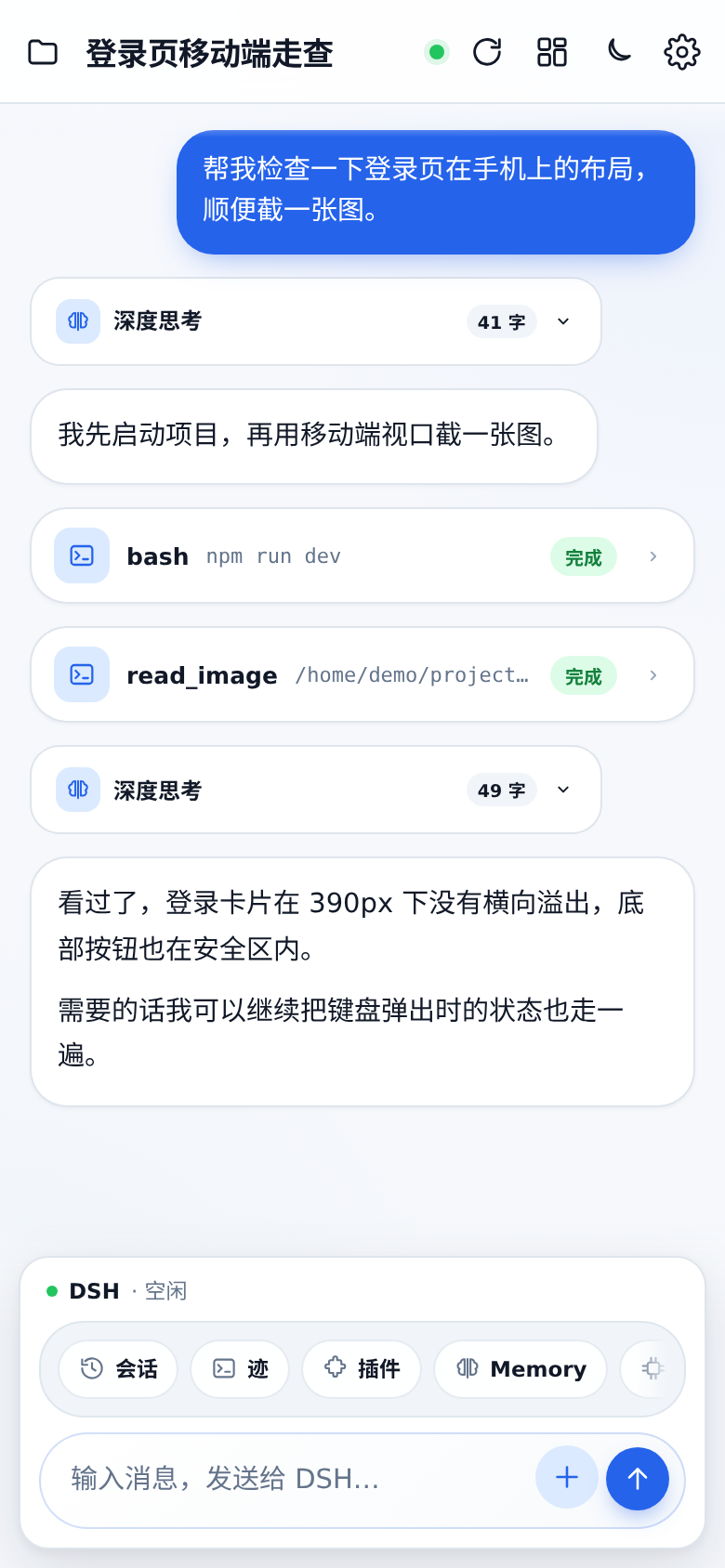
User messages, thinking, tool calls, and replies appear in a timeline. Sending uses DSH, not a separate flow.
From opening a session to sending, execution, approval, and notifications. No mock data, no fake states in the recording.
View installation steps→No new server, no second agent. MobileVC lives wherever DSH lives.
Full install guide ↗Add MobileVC to your DSH profile.
The plugin loads with the host process and serves the page on the same port.
LAN or an HTTPS reverse proxy both work. Add it to your home screen and it's a PWA.
dsh plugin --profile web add \
"github:JayCRL/MobileVC"
# then restart dsh web
# open http://127.0.0.1:8898/mobilevc/
No. MobileVC is a DSH host plugin: messages, approvals, and session reads and writes all go through your running DSH's sessionController. There is no second agent and no relay server. This site does not host a public instance; MobileVC only connects to the DSH you deploy yourself.
LAN access works out of the box. To use it outside your network, put it behind your existing HTTPS reverse proxy, tunnel, or mesh VPN; Web Push only needs the DSH host to be able to reach Apple's or Google's push services.
iOS 16.4+: add MobileVC to your home screen, launch it from that icon, then enable notifications under Settings → Notifications. Web Push is not supported in a Safari tab.
It's compact by default: reasoning is grouped by section, tool calls are summarized, and raw English plus tool arguments are collapsed. Switch to Full when you need to debug.
The older Flutter + Go relay + E2EE version is preserved in the repo's legacy/ directory and in git history; the DSH-native approach is now the default recommendation.